Tonkeeper Education Hub #3: How to Manage NFT Collectibles in Tonkeeper
Welcome back to the Tonkeeper Education Hub. After covering blockchain basics and TON fees and Battery, this installment focuses on a practical topic for anyone active in the TON ecosystem: managing your NFT collectibles in Tonkeeper.
NFT ownership on TON comes with some familiar challenges — spam airdrops cluttering your wallet, questions about how to transfer tokens safely, and options for making money from collectibles you no longer want. This guide covers all of it.
What Are Collectibles?
On TON, collectibles are unique or limited-supply tokens minted on the blockchain, most commonly as NFTs (Non-Fungible Tokens). Each token has a distinct on-chain identity, making it verifiably different from all others. Collectibles can represent digital art, in-game items, Telegram usernames, or any other unique asset — they can be held in your wallet, transferred to others, or traded on secondary markets.
Viewing Your Collectibles
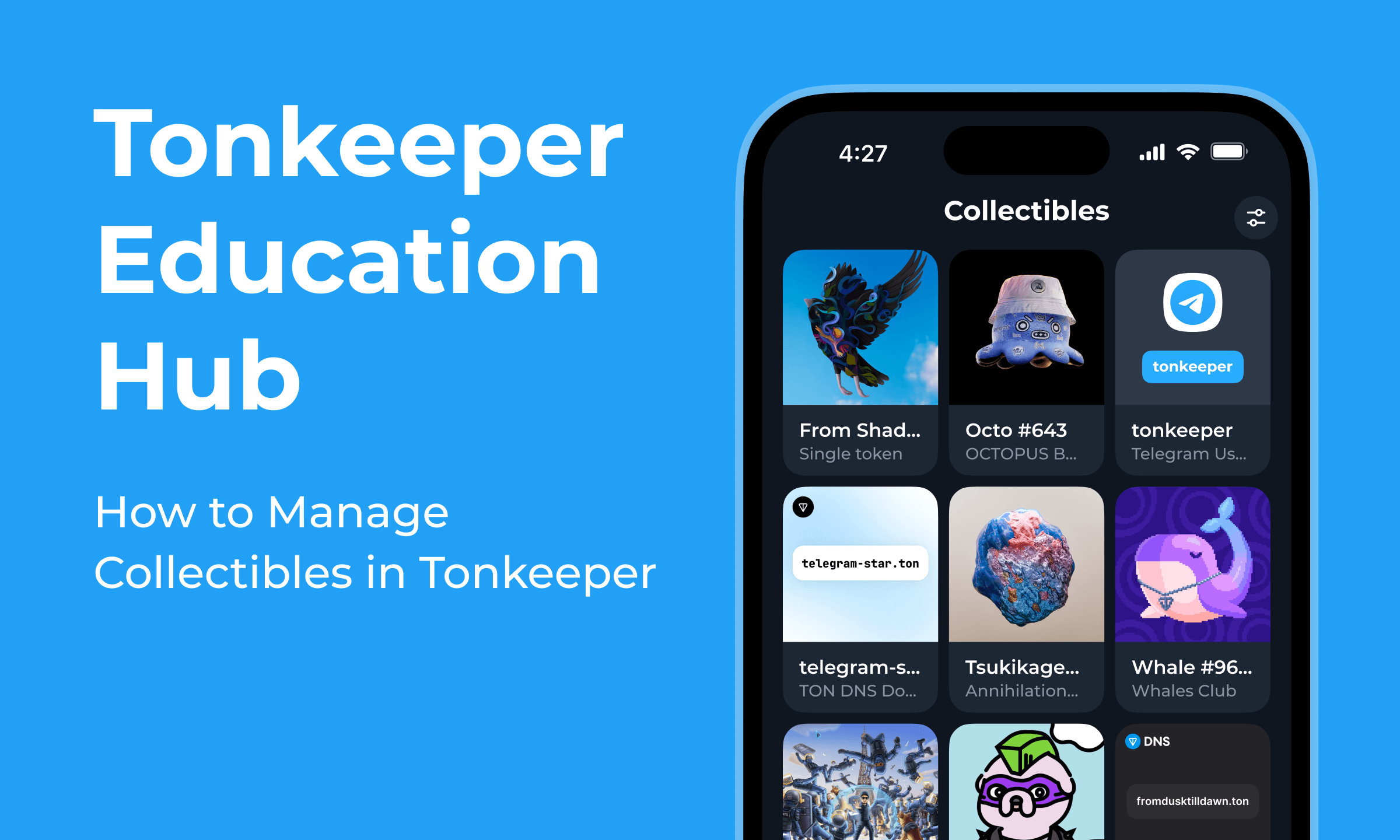
All NFTs held by your wallet are visible in the Collectibles tab of Tonkeeper. This displays every token associated with your address, including any unsolicited airdrops you may have received.
Hiding Spam NFTs
Spam NFTs — unsolicited tokens sent to your address to promote scam projects or phishing sites — are a common nuisance across all NFT ecosystems. Tonkeeper added visibility controls that let you clean up your Collectibles view without actually moving or deleting anything (since you cannot delete something from the blockchain).
To hide an NFT:
- Open the Collectibles tab and tap the settings icon.
- Tap the minus (−) icon next to any NFT to hide it from your view.
- To restore visibility, tap the plus (+) icon on the same screen.
Hidden assets remain in your wallet on-chain — they are simply filtered from the display in the app. You can always reveal them again. Important: never interact with spam NFTs (tapping links, visiting URLs from their metadata) as these are common phishing vectors.
Sending an NFT to Another Wallet
- Go to the Collectibles tab.
- Select the NFT you want to send and tap Transfer.
- Enter the recipient's wallet address or TON DNS domain (for example,
alice.ton). Add a comment if needed and press Continue. - Review the details — sender, recipient, and the NFT being transferred — and Confirm the transaction.
Always verify the recipient address before confirming. On TON, as on all blockchains, completed transactions are irreversible. A misdirected NFT transfer cannot be undone.
How to Make Money from TON Collectibles
If you want to monetize NFTs you hold, two primary options are available on the TON ecosystem:
Trade on NFT Marketplaces:
- Getgems — the largest TON NFT marketplace for buying and selling collections, individual art pieces, and game items.
- DAOLama — supports trading and also allows users to rent out their NFTs to other users, generating yield from assets you are not actively using.
- Fragment — specifically for Telegram usernames and phone numbers tokenized on TON. If you own a premium Telegram username as an NFT, Fragment is the designated marketplace.
Rent Out NFTs: DAOLama's rental system allows NFT holders to lend their tokens to other users for a defined period in exchange for payment — providing passive income from held assets without selling them.
Next in the series: TON vs other blockchains: fee comparison.
Download Tonkeeper: tonkeeper.com
Download Tonkeeper Pro: tonkeeper.com/pro