Two-Factor Authentication in Tonkeeper Pro: On-Chain 2FA via Telegram
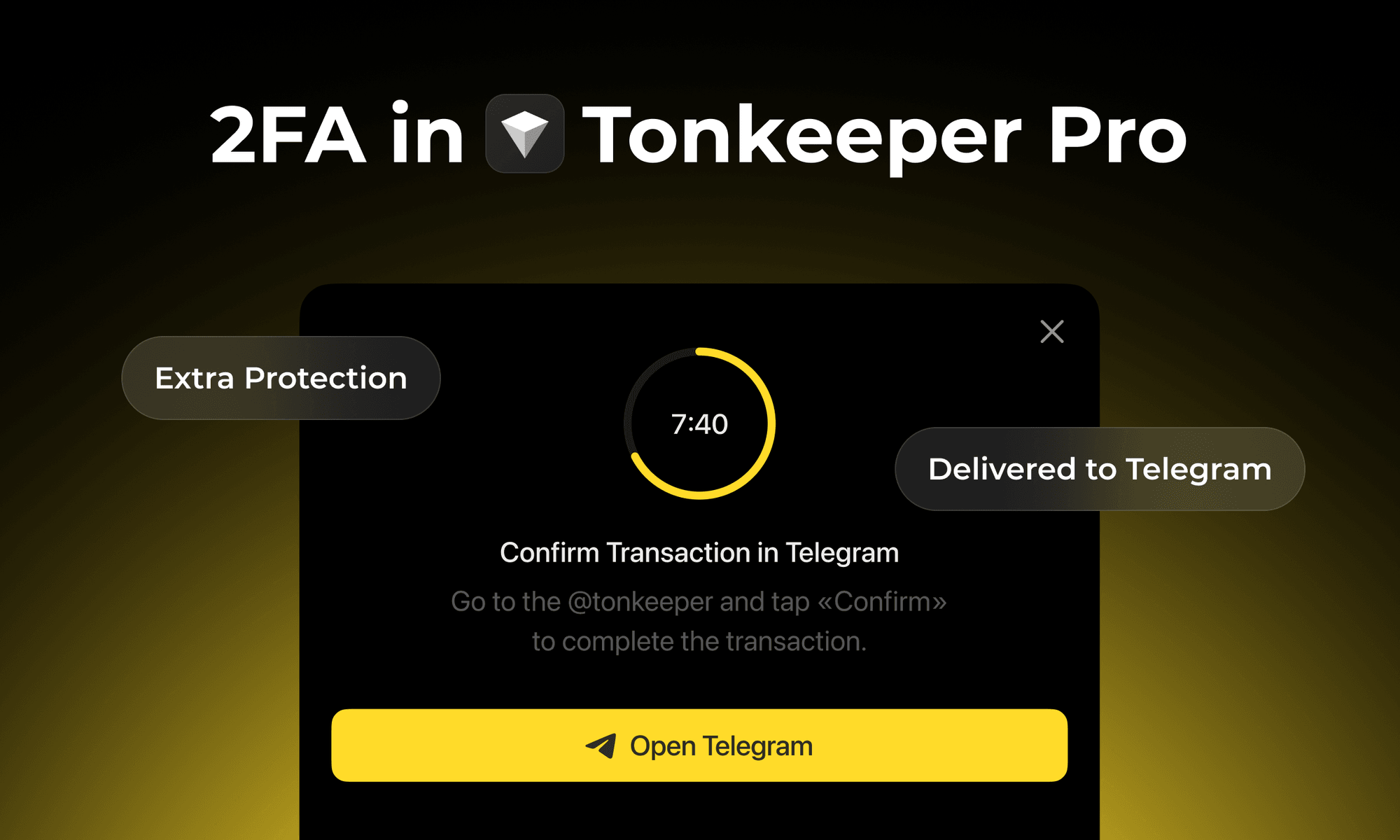
Most wallet security advice focuses on protecting your seed phrase. But there is a second attack surface that seed phrase security alone does not address: what if an attacker gains temporary access to your device or wallet app? Tonkeeper's on-chain two-factor authentication adds a second approval requirement to every transaction — one that operates at the blockchain level, not just the app level.
Why "On-Chain" 2FA Is Different from Regular Wallet 2FA
Standard 2FA in most apps is implemented in the client software — the app checks whether you have approved an action before proceeding. An attacker who bypasses the app, or who connects directly to the blockchain via API, can ignore client-side checks entirely.
Tonkeeper's 2FA is implemented as a smart contract extension within the W5 wallet standard — a modern TON wallet standard introduced by Tonkeeper in 2024. The 2FA check is embedded in the wallet contract itself. Any transaction initiated from a 2FA-enabled wallet requires the Telegram approval signature at the protocol level, regardless of which application or method was used to create the transaction. There is no way to route around it by using a different interface or connecting via API.
This design means any wallet implementing the W5 standard could support this 2FA architecture — it is not proprietary to Tonkeeper's app, which removes vendor lock-in.
How It Works
When 2FA is enabled, every transaction requires two approvals:
- Your Tonkeeper wallet signs the transaction (your private key, as usual).
- The @tonkeeper Telegram bot sends you a message with Approve and Cancel buttons. The transaction only executes if you tap Approve.
There are no codes to copy or type. No app switching beyond a Telegram notification. The bot interaction is the second factor — your Telegram account is the second key. If your wallet is compromised but your Telegram account is not, transactions are blocked until you respond to the bot.
Why Telegram Instead of SMS or TOTP?
SMS-based 2FA is widely used but has a well-documented vulnerability: SIM-swapping. An attacker who convinces your phone carrier to transfer your number to a SIM they control can intercept SMS codes, bypass your 2FA, and access the protected account. SIM-swap attacks targeting crypto holders have been used to drain wallets of significant sums.
Telegram has substantially stronger protections against account hijacking — your Telegram account is not tied to phone carrier control in the same way. Telegram is also already the primary communication platform for the TON ecosystem, so for most Tonkeeper users the bot approval flow requires no additional app installation. Tonkeeper notes that Telegram is not the only planned option — the 2FA architecture is designed to support multiple second factors in future updates.
How to Enable 2FA in Tonkeeper Pro
- Open Tonkeeper Pro and go to Settings.
- Select the wallet you want to protect.
- Tap Two-Factor Authentication.
- Connect to the @tonkeeper Telegram bot.
- Confirm the installation transaction.
You can enable or disable 2FA at any time. The process is fully self-custodial and optional — it does not change your seed phrase or private keys.
What You Need to Know Before Enabling
Four important limitations to understand before enabling 2FA:
- Cost: Installing or removing 2FA requires a blockchain transaction that costs 0.15 TON each time. This is a one-time cost per installation or removal, not a recurring fee.
- Device binding: Once 2FA is enabled, the wallet will not function on other devices simultaneously. The 2FA binds the wallet to a specific device and Telegram account. If you want to use the wallet on a new device, you need to remove and reinstall 2FA.
- Battery incompatibility: Wallets with 2FA enabled are not compatible with Tonkeeper Battery or gasless transactions. You will need to hold TON for gas fees if 2FA is active.
- Does not replace your seed phrase: 2FA adds a second approval layer but does not change the fundamental recovery mechanism. If you lose your seed phrase, you lose access to the wallet regardless of 2FA status. Secure your seed phrase first.
2FA in the Context of Tonkeeper Pro's Security Features
2FA is one component of the security toolkit available in Tonkeeper Pro. For users managing significant holdings, the recommended layered approach is:
- Seed phrase: backed up in multiple secure physical locations
- Signer: for key isolation — private keys stored in Signer, not in Tonkeeper itself (see Signer guide)
- 2FA: for an additional approval requirement on every transaction
- Multisig: for shared custody wallets where multiple parties must approve (see Multisig in Tonkeeper Pro)
Each layer addresses a different threat vector. 2FA specifically addresses the scenario where an attacker has compromised your wallet app or device but does not control your Telegram account.
Download Tonkeeper Pro: tonkeeper.com/pro